 Online Tool Store
· 4 min read
How to Turn Typed Text Into a Handwritten-Style Note
Heshan Fernando
Co-founder & COO
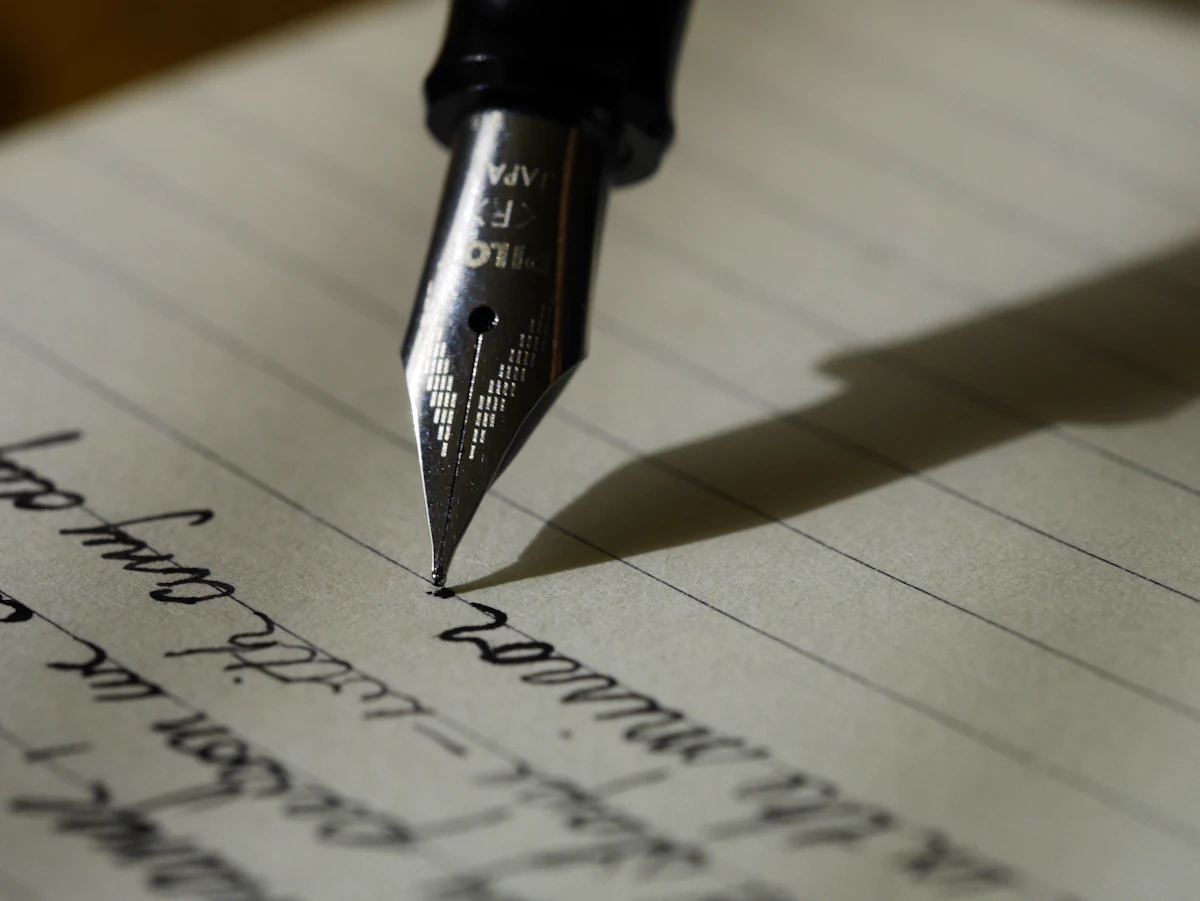
You’ve typed out a message — a card note, a personal thank-you, an assignment that specifically needs to look handwritten — but you want the warmer, more personal feel of actual handwriting rather than a typed font, without physically writing it out yourself. A typed message on lined paper with a handwriting-style font, ink color, and appropriately-sized text can recreate a lot of that personal warmth without requiring an actual pen.
The visual details matter more than they might seem — lined paper as the background, a genuinely handwriting-style font rather than a generic script font, and ink color choices that match real pen colors all contribute to whether the result reads as a believable handwritten note or an obviously typed approximation.
What makes a convincing handwriting conversion
A handwriting-style font needs to actually look like natural handwriting — with the kind of subtle variation real handwriting has — rather than a stiff, overly uniform script font that reads as clearly computer-generated at a glance. Lined paper as the background completes the visual context, since handwritten notes are conventionally associated with that specific paper style. Ink color choice (blue, black, and similar common pen colors) and appropriate font sizing round out the details that make the final image believable as something actually written by hand.
The goal isn’t necessarily to deceive anyone into thinking it’s genuinely handwritten — often it’s simply about capturing the warmer, more personal aesthetic that handwriting conveys, which a plain typed font doesn’t carry the same way.
Why people get stuck here
- Generic script fonts don’t look like real handwriting. A stiff, overly uniform script font reads as obviously computer-generated rather than believably handwritten.
- Missing the lined-paper context. Handwritten notes are conventionally associated with lined or ruled paper, and a typed font on a plain white background misses that visual cue.
- Wanting a personal touch without physically writing. Sometimes the actual handwriting isn’t practical — time constraints, needing multiple copies, or simply preferring to type — but the aesthetic still matters for the occasion.
- Needing a shareable image, not just styled text. The final result needs to actually be an image file that can be printed, sent, or shared, not just text styled in a font that only displays correctly in specific software.
What a good text-to-handwriting converter looks like
Uses a genuinely convincing handwriting font
The core requirement is a font that actually reads as natural handwriting, with the visual character real handwriting has, rather than an obviously synthetic script typeface.
Renders on lined paper
Including the conventional lined-paper background completes the visual context that makes the result feel like an actual handwritten note rather than just styled text.
Exports as a downloadable image
A PNG export means the finished result is immediately shareable, printable, or usable wherever an actual image is needed, not just displayable text.
Common mistakes to avoid
- Choosing an overly stiff or generic script font that doesn’t actually resemble natural handwriting’s subtle variation.
- Using an ink color that looks unnatural or doesn’t match common real pen colors, undermining the believability of the result.
- Setting font size too large or small relative to the lined paper’s ruling, producing an unnatural-looking scale.
- Writing text far too long for a single note-style image, producing a cramped or overflowing result.
- Using the effect somewhere it doesn’t fit the context — an overly casual handwriting style can feel mismatched for a genuinely formal purpose.
How to do it with Text to Handwriting Converter
Online Tool Store’s Text to Handwriting Converter generates your note entirely in your browser.
- Open the Text to Handwriting Converter tool.
- Type or paste your text.
- Choose your ink color and font size.
- Download the finished handwritten-style note as a PNG.
Because it runs locally, it’s a fast way to add a personal touch to a message without physically writing it out.
Frequently asked questions
Will this look exactly like real handwriting?
It’s designed to capture the general warm, personal feel of handwriting rather than perfectly replicate any specific individual’s actual handwriting — for genuine authenticity in something like a signature, actual handwriting is still the only real option.
What’s a good use case for a handwriting-style note?
Personal messages, greeting card text, thank-you notes, or any context where the warmer feel of handwriting matters more than the practicality of typing — it’s a stylistic choice for occasions where handwriting’s personal quality genuinely adds something.
Can I choose different ink colors, or is it limited to black?
Most converters offer a few common ink color options, like blue and black, matching typical real pen colors, since ink color is part of what makes the final result feel authentically handwritten rather than obviously stylized.
Final thought
Handwriting carries a personal warmth typed text doesn’t quite replicate — a convincing handwriting-style conversion captures some of that feeling for occasions where actual handwriting isn’t practical.