 Online Tool Store
· 3 min read
How to Check Text Readability
Heshan Fernando
Co-founder & COO
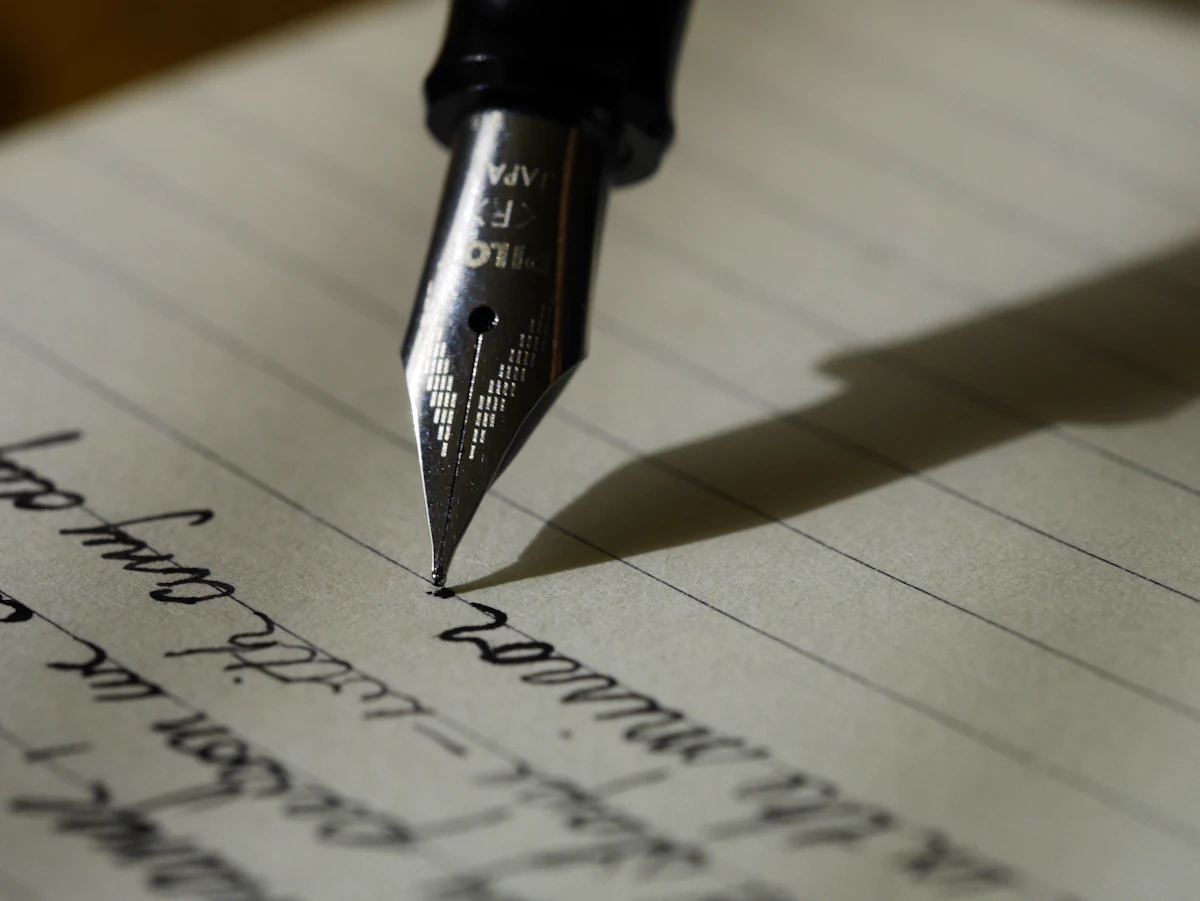
You finish a blog post, policy page, email, lesson, or product description, and something feels heavy. The grammar is fine, but the sentences run long and the words ask too much of the reader. A readability check gives you a second view.
A readability checker scores text with several formulas at once and highlights long sentences so you know where to revise first.
What readability scoring involves
Readability formulas estimate how easy text is to read using signals like sentence length, word length, syllables, and character counts. Different formulas weigh those signals differently, which is why one score is not the whole story.
Common scores include Flesch Reading Ease, Flesch-Kincaid Grade Level, Gunning Fog, SMOG, Coleman-Liau, and ARI.
Why people get stuck here
Writers often revise by feeling alone. That can work, but long sentences hide in familiar drafts. A score does not replace judgment, but it points to friction.
The mistake is treating readability formulas as law. Technical writing may need specialist terms. Legal or medical content may have constraints. The goal is clarity for the intended reader, not chasing the lowest grade level at any cost.
| Signal | Why It Matters | Revision Move |
|---|---|---|
| Long sentences | Harder to follow | Split or simplify |
| Long words | Raises difficulty | Use plain words where possible |
| Multiple scores | Broader view | Compare patterns |
| Flagged sentences | Editing targets | Start there |
What a good readability review looks like
Long sentences get attention first
The longest sentences are often the easiest wins. Split one idea into two if the reader has to hold too much at once.
Scores support the audience
A children’s worksheet, a public help page, and a technical API guide should not aim for the same reading level.
Meaning stays intact
Do not simplify so aggressively that the text becomes vague or inaccurate.
Common mistakes to avoid
- Treating one formula score as the final verdict.
- Removing necessary technical terms just to lower a score.
- Ignoring sentence length because the words seem simple.
- Revising for a generic reader instead of the real audience.
- Uploading sensitive drafts to tools when a browser-only option is available.
How to do it with Readability Checker
Online Tool Store’s Readability Checker scores text with six formulas and flags the longest sentences. Nothing is uploaded.
- Open the Readability Checker.
- Paste your text.
- Review the six readability scores.
- Look at the longest flagged sentences.
- Revise sentences that feel overloaded.
- Recheck only if the score helps your audience goal.
Use the score as an editing lens, not as a substitute for reading the draft out loud.
Frequently asked questions
Which readability score should I trust?
Compare patterns across scores. If several formulas suggest the text is dense, it probably deserves revision.
Does a lower grade level always mean better writing?
No. Better means clearer for the intended audience. Some topics require precise terms.
Are my drafts uploaded?
The tool is designed to run in your browser, so it is a better fit for private draft checks.
Final thought
Check readability when your text feels heavier than it should. Then revise for people, not formulas.