 Online Tool Store
· 5 min read
How to Add or Remove Line Numbers From Text
Manesh Jayawardhana
CIO & Co-founder
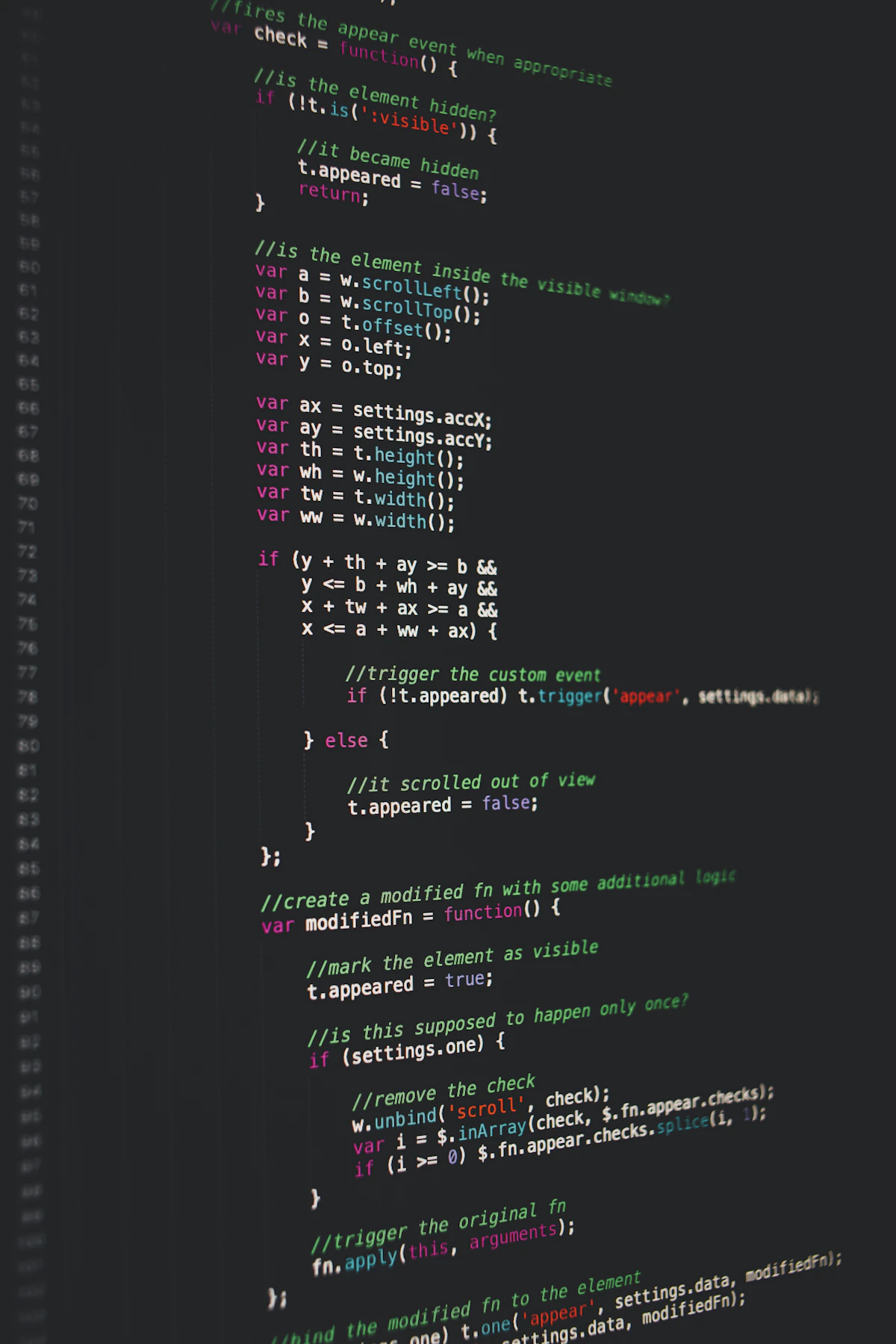
You’ve copied a code sample from a documentation page and every single line now begins with its line number. Pasting it into your editor gives you sixty lines of syntax errors. Stripping the numbers by hand means sixty manual edits, or writing a regular expression at nine in the morning, which is its own kind of punishment.
The reverse happens just as often: you need to send someone a passage with numbers so you can say “look at line 34,” and your text has no numbers at all.
What line numbering actually is
Numbers displayed alongside text for reference. In an editor they’re rendered by the interface and aren’t part of the file — which is why copying from your editor gives you clean text.
On a web page it depends entirely on how the page was built. If the numbers are in a separate table column or generated by CSS, they usually don’t get copied. If they’re part of the text content of the code block, they do. That inconsistency is why sometimes you get clean code and sometimes you get the numbers, from pages that look identical.
Adding numbers is the simpler direction: prefix each line with a counter and a separator. The choices are where to start, how to pad, and what separator to use. Removing them is harder, because you have to distinguish a line number from a number that’s genuinely part of the content.
Why people get stuck here
- Numbers that look like content. A line beginning
2024 was the year...shouldn’t lose its 2024. Naive stripping does exactly that. - Inconsistent separators. Some sources use
1., some1:, some1, and some pad with spaces to align. - Blank lines. Should they be numbered? Both answers are defensible, and mixing them breaks the count.
- Wrapped lines. A long line that visually wraps is still one line, but a copy-paste sometimes turns it into two.
- Regex fatigue. It’s a five-minute regex problem you’ve solved before and will solve again, badly, each time.
| Task | The Tricky Part | What To Check |
|---|---|---|
| Adding numbers | Start offset and padding | Does it need to match a file’s real line numbers? |
| Removing numbers | Distinguishing numbers from content | Check the first and last lines by eye |
| Round-tripping | Blank line handling | Does the count stay consistent? |
What a good tool does
It handles both directions
Adding and removing are the same task from two sides, and you’ll want both within the same week.
It lets you set the start number
If you’re quoting lines 340 to 360 of a file, numbering from 1 makes the reference useless. Starting the count at 340 makes it immediately usable.
It preserves the rest of the line exactly
Indentation matters enormously in code. Any tool that trims leading whitespace while stripping numbers has broken your snippet in a way that’s tedious to detect.
It works locally
Code snippets are frequently from private repositories. A browser-based tool means nothing is uploaded, which removes the question entirely.
Common mistakes to avoid
- Stripping numbers without checking indentation survived. Python and YAML will break silently and confusingly.
- Numbering from 1 when quoting a section. Set the offset to the real starting line or the numbers actively mislead.
- Using a separator that appears in the content. If your text contains lines starting with numbers and colons, choose a different separator for the added numbers.
- Forgetting the trailing newline. Some tools add or drop one, which matters for files under version control.
- Not spot-checking the result. Read the first two and last two lines before pasting anywhere important.
How to do it with Add/Remove Line Numbers
Online Tool Store’s Add/Remove Line Numbers does both directions in your browser, with nothing sent anywhere.
- Paste your text in, exactly as copied — don’t clean it up first.
- Choose the direction: adding numbers, or stripping them out.
- When adding, set the start number to match the source file if you’re quoting a section.
- When removing, check the output’s first and last lines for content that got clipped by mistake.
- Verify that leading indentation is intact before pasting into any code.
- Copy the result out in one go rather than selecting parts of it.
The Line Sorter, the Duplicate Line Remover, and the Word Wrap Tool handle the neighbouring text jobs.
Frequently asked questions
Why did copying code from a website include the line numbers?
Because on that page the numbers are part of the code block’s text rather than being rendered separately by the interface. Pages that put the numbers in a separate element or generate them with CSS don’t have this problem — which is why the behaviour varies between sites.
Will removing numbers damage lines that start with a number?
It can, which is why you should check the output rather than trusting it. Spot-check any line you know begins with a figure — a year, a version number, a measurement — before using the result.
Is my text uploaded anywhere?
No. The tool runs entirely in your browser, so snippets from private repositories or unpublished documents stay on your own machine.
Final thought
Set the start offset when adding, and check indentation when removing. Those two habits cover almost every way this small task goes wrong.